Timpogra
Every minute witnessed.
Never interrupted.
Timpogra runs quietly on your desktop, building a precise record of your work — then turns it into reports and invoices without you lifting a finger.
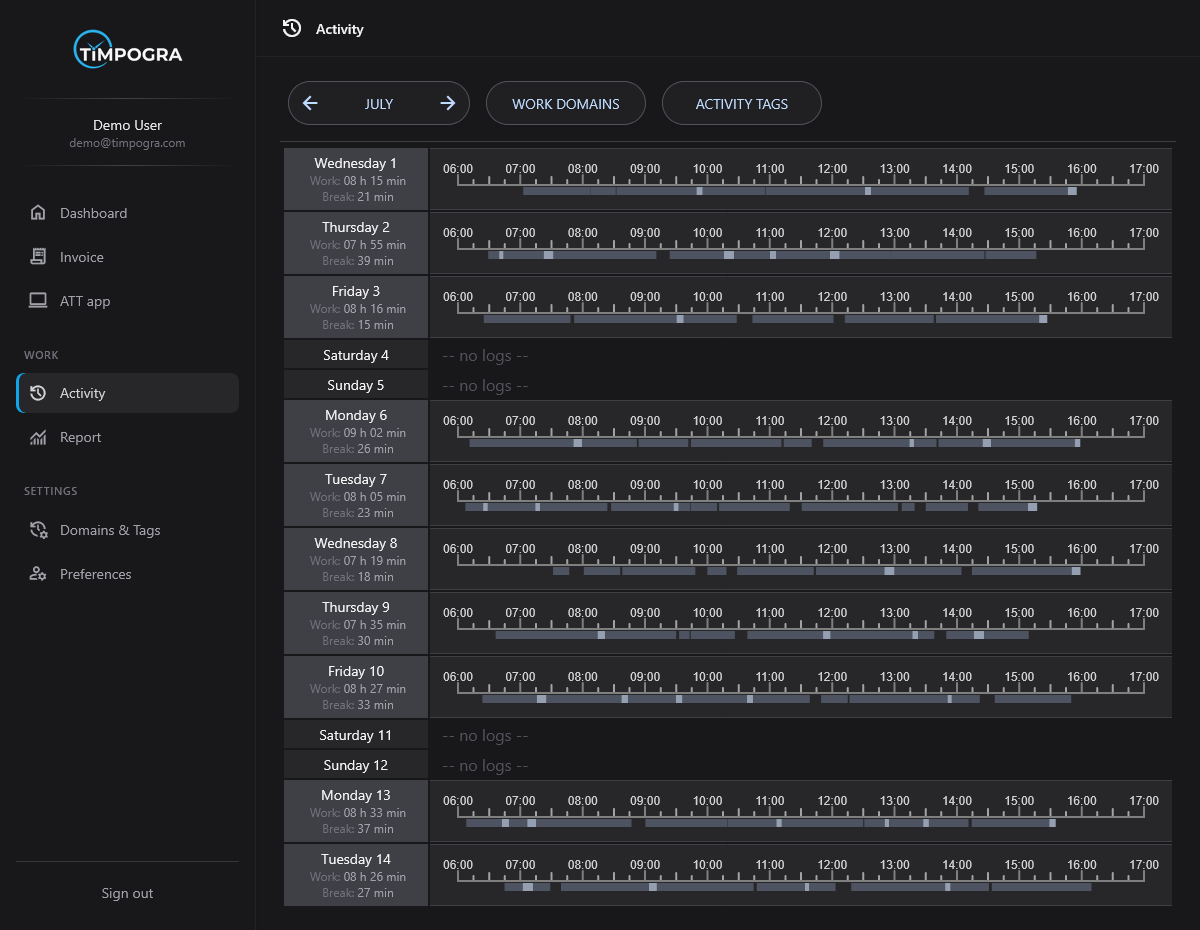
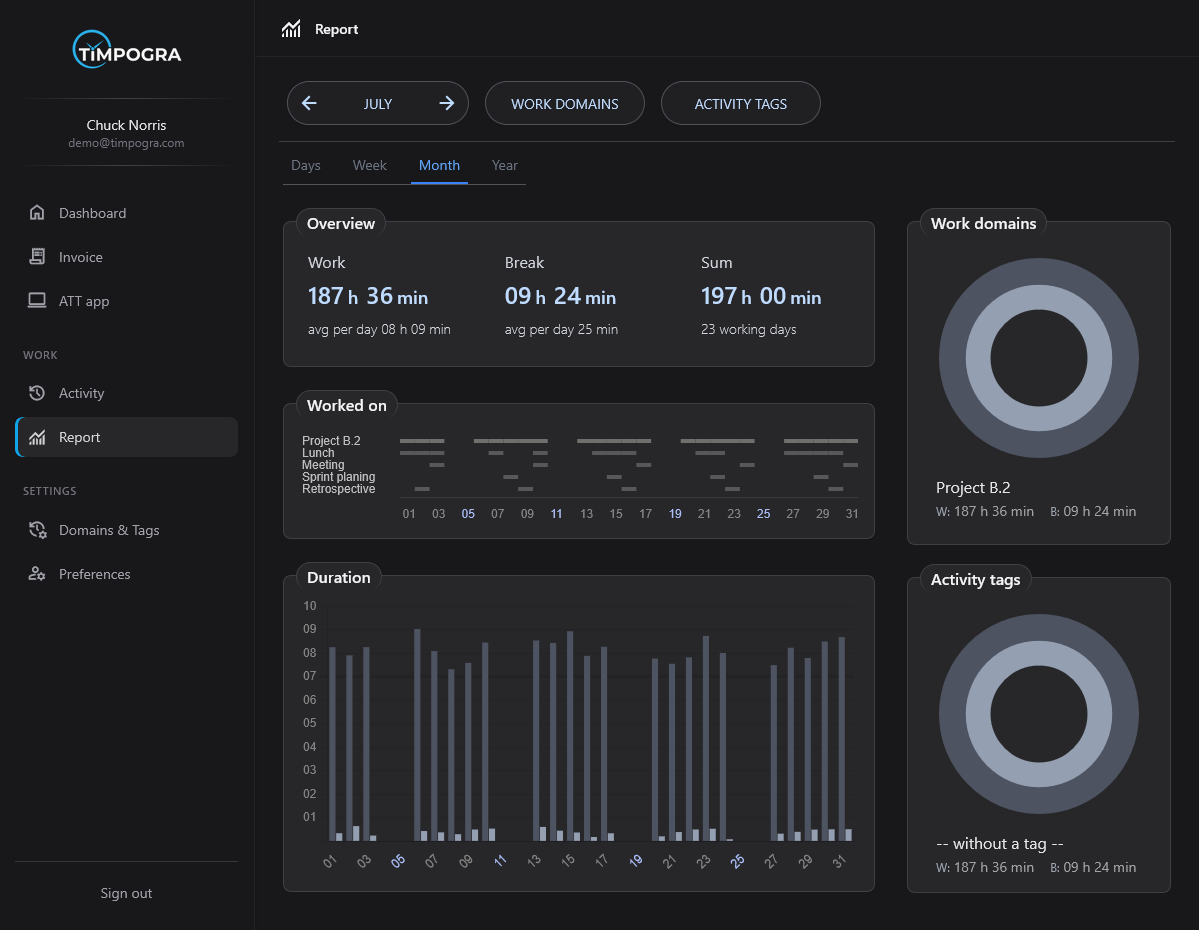
Silent capture
Hours logged in the background. No start buttons, no stopwatches, no nagging notifications.
Temporal memory
Weeks, months, years of activity — searchable, comparable, always there when a client asks.
Invoice from truth
Billable hours pulled straight from your actual work log. One click to send.
The problem
What bad time data costs you
- 01
Manual tracking is late, incomplete, or skipped
Timesheets add admin overhead and often miss real work. You spend more time logging hours than doing billable work.
- 02
You can't see where time — and money — actually go
Without reliable data, project profitability is a guess. Scope creep and underbilling stay hidden until it is too late.
- 03
Timer tools need discipline; surveillance erodes trust
Manual timers rely on constant buy-in. Screenshot tools feel invasive. Neither delivers lasting, accurate records.
How it works
Three motions. Then forget about it.
Install the desktop app
Download Timpogra for Linux, Windows or macOS and sign in with your account. Setup takes less than two minutes.
Work as you normally do
The app tracks your active work in the background. Switch between projects and tasks without breaking your flow.
Review, report, and invoice
Check detailed activity logs, run reports to understand your time, and generate professional invoices in seconds.
Runs in the background — no timers, no spreadsheets, no daily ritual.
Create free accountWho it's for
Built for anyone who sells hours, not widgets.
Freelancers & solopreneurs
Stop reconstructing your day from memory. Timpogra runs quietly so you can quote accurately, bill confidently, and show clients where the hours went.
Consultants & agencies
Track billable hours across clients without asking anyone to start and stop timers. See project breakdowns and keep utilization visible across accounts.
Developers & makers
Switch between repos, docs, and tools without breaking flow. Activity logs capture the real shape of your work day — not just what you remembered to log.
Designers & creatives
Time across design tools, feedback rounds, and client calls is captured automatically. Turn activity into reports and invoices without spreadsheet cleanup.
Features
Five instruments. One continuous record.
Each tool handles a different slice of your day. Together they form an unbroken account of how you work.
01 — Ambient tracking
Ambient tracking
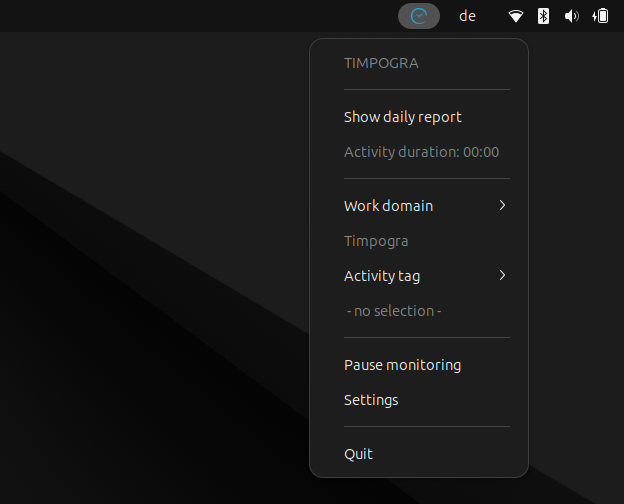
The desktop agent observes application focus and project context. Switch tasks freely — the record updates itself.
02 — Day anatomy
Day anatomy
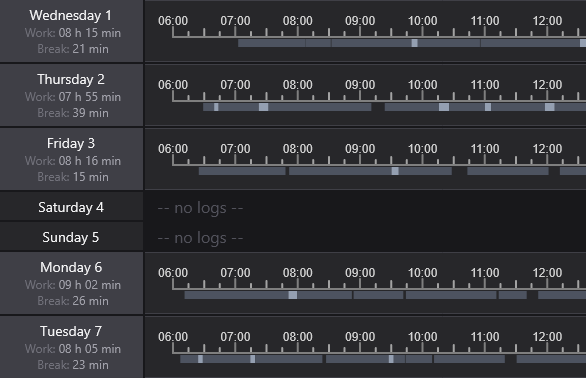
Zoom from year to minute. Every gap, every sprint, every context switch — visible.
03 — Manual corrections
Manual corrections
Machines err. Humans don't. Edit any entry, compare versions, keep the record honest.
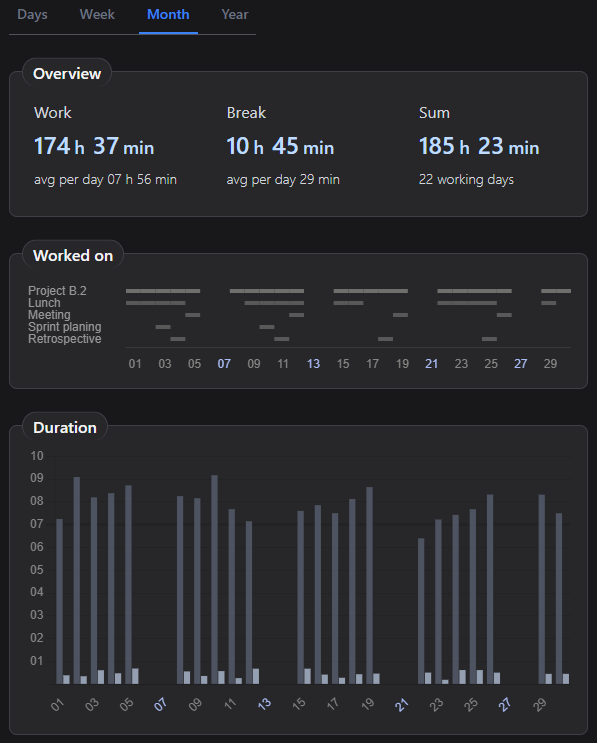
04 — Reports
Report at any scale
Project totals, task breakdowns, client summaries — pick the lens, get the numbers.
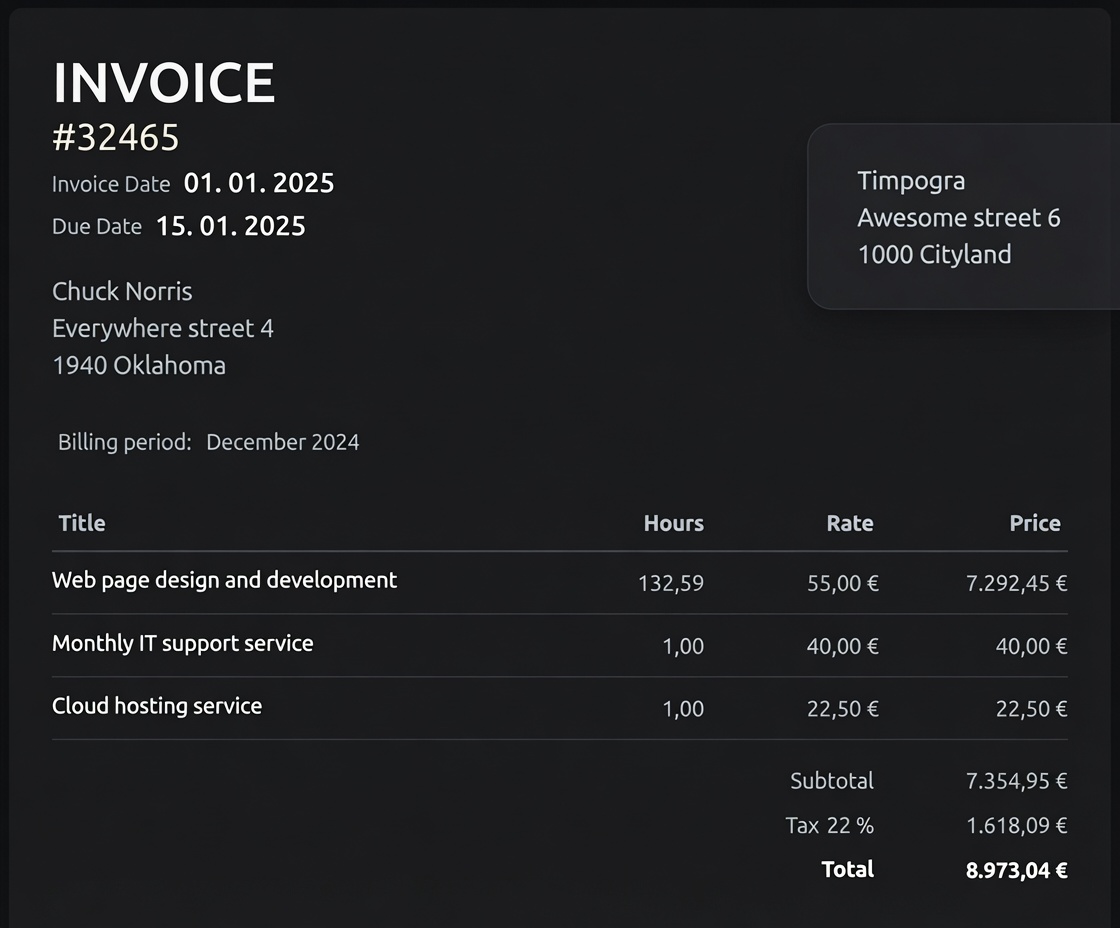
05 — Invoicing
Invoice, derived
Your activity log is the source document. Timpogra formats it into a bill your client can pay — no re-entry, no guesswork.
Unauthenticated access
Walk through the entire suite — no account, no pitch deck.
Privacy first
Visibility without surveillance.
Accurate time data shouldn't cost trust. Timpogra helps you understand your work — it doesn't watch over your shoulder.
Full privacy policy →- 1
No screenshots or keylogging
Timpogra never captures your screen, records keystrokes, or takes photos. It tracks work activity — not surveillance.
- 2
Your data stays yours
Activity logs belong to you. Review, edit, and export your time records on your terms. We do not sell your data to third parties.
- 3
Built for adoption, not enforcement
When tracking feels natural, the data is better. Timpogra earns trust by staying out of your way — not by monitoring every click.
Pricing
Two plans. Pick your depth.
Starter
A great way to experience our core features
- Automatic Time Tracking app
- Current month activity logs
- Basic reports
Freelancer
PopularIdeal for independent professionals
- Everything in Starter
- 10-year activity logs
- Advanced reports
- Invoice generator
- Absence tracker
How does automatic time tracking work? +
Timpogra runs on your desktop and records active work time in the background. You can assign time to projects and tasks, add manual entries when needed, and review everything in your activity log.
Is Timpogra really free to start? +
Yes. The Starter plan is free and includes automatic time tracking, current-month activity logs, and basic reports. Upgrade to Freelancer when you need long-term history, advanced reports, and invoicing.
Which platforms are supported? +
Timpogra offers a desktop app for Linux, Windows and macOS. Your account and reports are accessible from any modern web browser at app.timpogra.com.
Does Timpogra take screenshots or record my screen? +
No. Timpogra never captures screenshots, records screen content, or logs keystrokes. It tracks work activity to build your time log — your screen content stays private.
Is my data private and secure? +
Your activity data belongs to you. Timpogra stores it securely and does not sell it to third parties. You can review our full privacy policy in the Terms & Privacy section.
How is Timpogra different from timer-based tools? +
Timer tools require you to start and stop tracking manually — easy to forget and hard to keep accurate. Timpogra runs in the background and logs work automatically, so your timesheet reflects what you actually did.
Can I try it before signing up? +
Absolutely. Use our interactive demo to explore the full feature set with sample data — no account or credit card required.
Get started